Luggage Made Easy
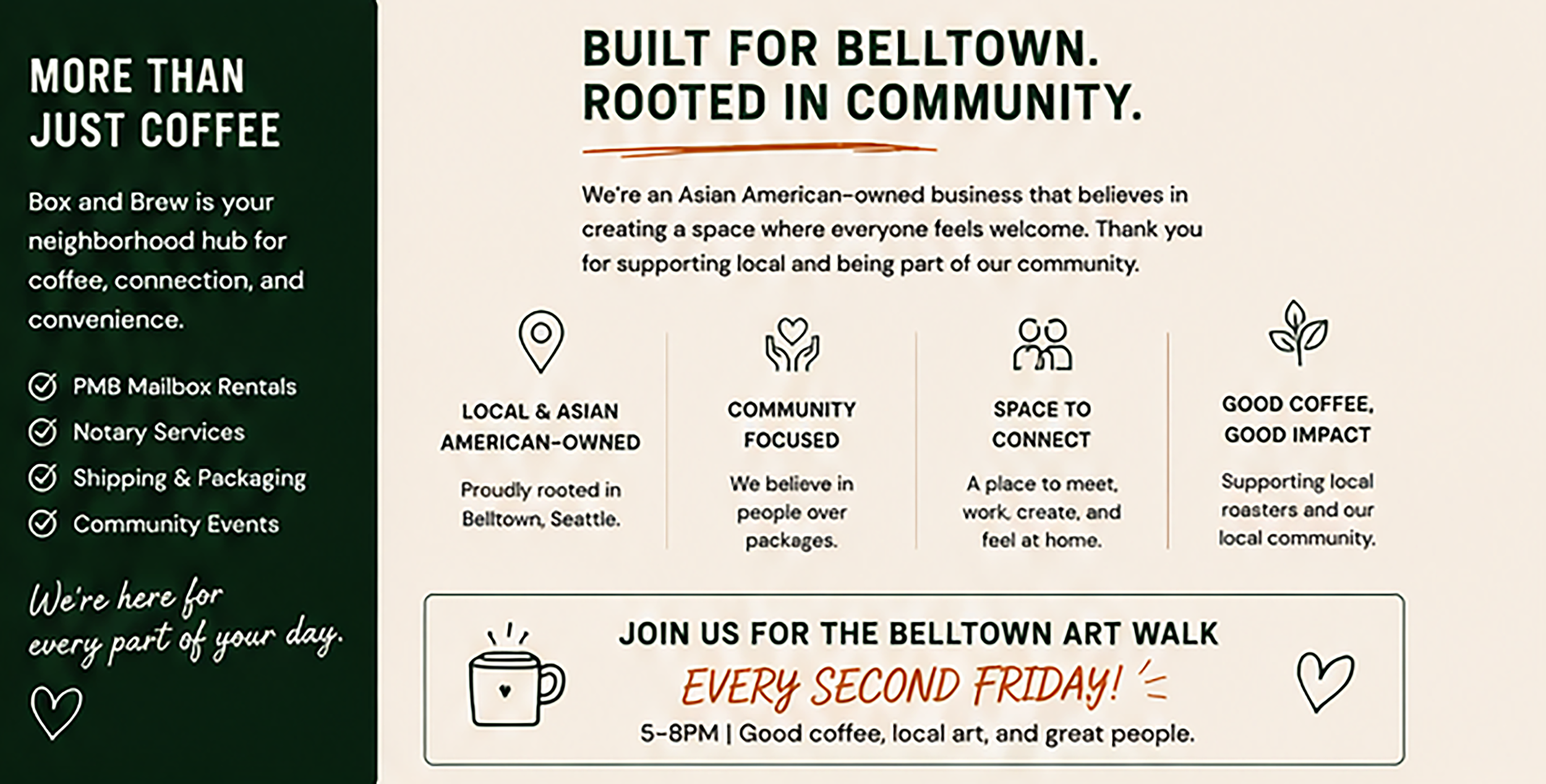
AT BOX AND BREW
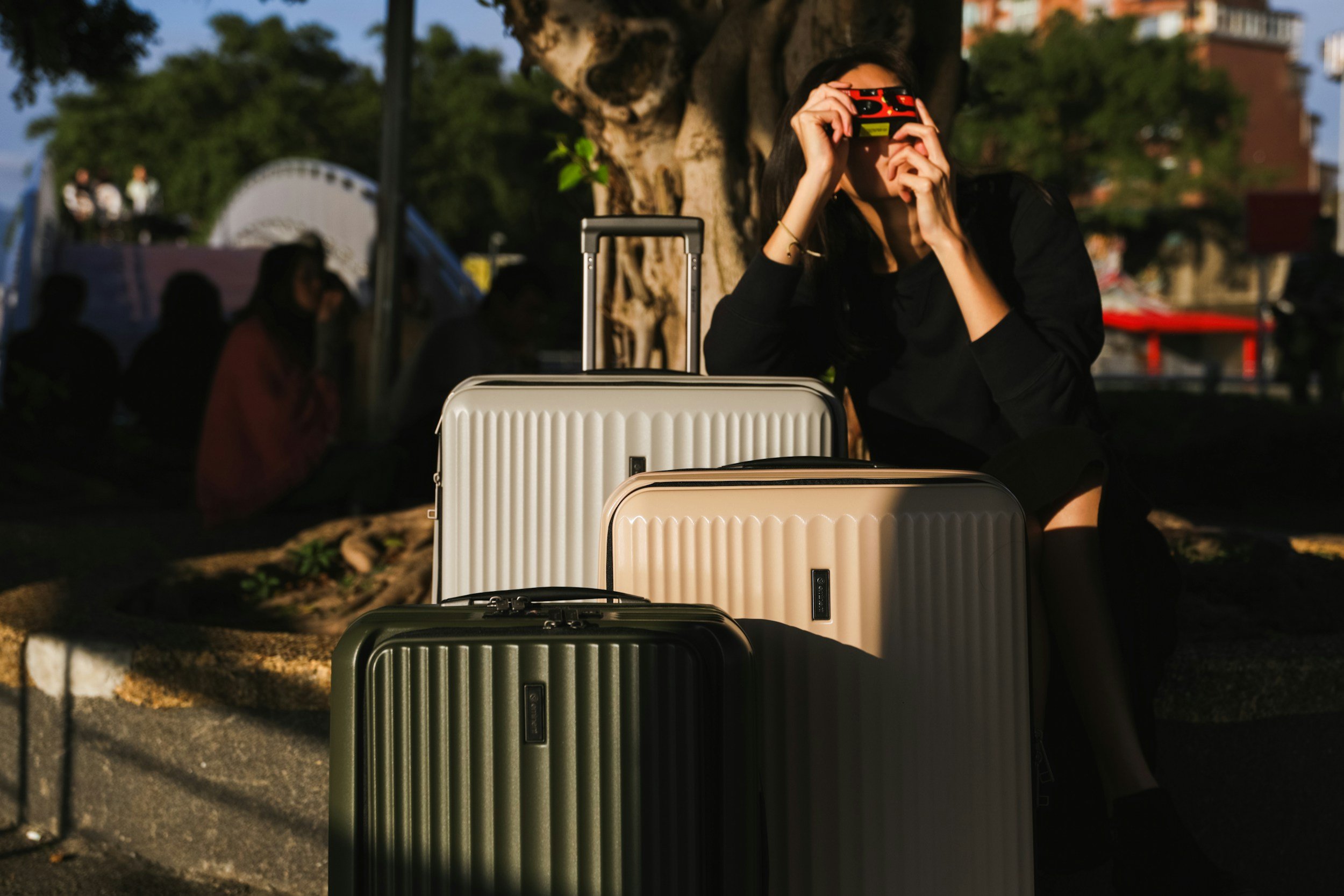
Traveling and in need of luggage storage? Just got off the cruise ship and need a place to store your bags? Heading out of town, but need someone to watch your bags while you’re at work? Box and Brew can help!
How It Works?
Book Online
Choose Box and Brew, and save your spot by booking online.
Come To Box & Brew
Follow the directions on the app and drop off your bags.
Show Your QR Code
Use your booking confirmation to drop off. Your bags will be checked in and stored securely.
Frequently Asked Questions
-
Luggage, backpacks, gym bags, and more! Bounce is like having a personal storage facility for your stuff anywhere you go, so you can leave much more than just luggage with us. Whether you want to store your luggage after checking out of your Airbnb or want to drop off your work bag before hitting happy hour, we've got you covered.
-
Booking online is super easy and only takes a couple of minutes. To keep our locations and your stuff safe, we'll show you the address of the store once you book online. When you're ready, head to the store and show the Bounce staff your booking confirmation so they can take your bags and securely store them right away. Then you can enjoy your day without having to worry about your bags!
To pick up your bags, show the Bounce staff your booking confirmation and they'll hand over your stuff. That's it! -
There is no size limit for storing items with Bounce! Whether you have a surfboard, skis, bicycles or any large or bulky item, we have you covered.
-
Whether you need storage for a couple of hours or a couple of days, we've got you covered! Just put in the dates and times you need luggage storage, and we've got you. For long-term storage lasting more than a week, reach out to us, and we'll help you.
If you're already storing your stuff but you need more time, you can add more time from your booking details page. Just make sure we will be open and you can get your bags before your new pickup time. -
Plans change, we get it! If you need to change or cancel your booking for any reason, the best way to do it is from your booking details page in the Bounce app. You can edit the dates, drop-off and pick-up times, and number of bags. You can also cancel your booking or rebook. If you can't find your booking details, check the email address you used to make your booking. You can change your booking by following the link there, or reach out to us if you need support.